Version 1.13.1 fixes a connection failure. A client that connected, then left the MCP-Protocol-Version header off its later requests, got an HTTP 400 on every one of them. Those clients now connect.
The release changes no abilities. The catalog stays at 229, 97 in core and 132 for other plugins.
Agent Abilities for MCP is a free WordPress plugin that lets Claude or ChatGPT work on your site as a WordPress user you pick, with this plugin’s own tools off until you turn them on.
Takeaways:
- If a client connected and then every request failed with HTTP 400 mentioning
MCP-Protocol-Version, update to 1.13.1. If the standalone MCP Adapter plugin is active too, update it to 0.7.2 as well. - The bundled MCP Adapter moves from 0.7.1 to 0.7.2. A missing header is now accepted, and the version agreed at
initializeidentifies the session. - A header that is sent must still match the agreed version, or the request still gets HTTP 400.
- No ability changed. Names, permissions and descriptions match 1.13.0.
What happened when a client left the header out?
MCP-Protocol-Version is the header a client uses to say which version of the protocol it speaks. The agreement happens once, on the initialize request that opens a session.
Adapter 0.7.0, bundled in this plugin since 1.7.9, added a strict check, and 0.7.1 kept it, so releases 1.7.9 through 1.13.0 were affected. Once a session was set up on protocol version 2025-06-18 or later, every later request without the header got an HTTP 400.
The body was an “Invalid Request” JSON-RPC error saying the header is required for that session. A client that asked for 2025-03-26 was answered with 2025-11-25, so it was covered too. Only sessions on 2024-11-05, which predates the header, were exempt.
The bundled MCP Adapter is now at 0.7.2, which accepts those requests.
What does the Adapter do now?
It accepts a request with no header and treats the version agreed at initialize as the session’s version. The MCP transport specification names the version agreed at initialization as one way for a server to identify the version, while still requiring clients to send the header on every request.
| Request | Result in 1.13.1 |
|---|---|
No MCP-Protocol-Version header |
Accepted |
| Header matches the agreed version | Accepted |
| Header differs from the agreed version | HTTP 400 |
If you wrote your own client or script, keep sending the header. The specification requires it, and the Adapter still checks it when it is there.
One change under the hood
Adapter 0.7.2 checks a tool call’s input before it checks permissions. The plugin still runs its own permission check first on calls to its own tools, so a caller who is not allowed is refused as before. A call with invalid input is logged and refused, as in 1.13.0.
What did not change?
Each ability keeps the permission check it had in 1.13.0. This release changes which requests the endpoint accepts, not what an agent can do with this plugin’s tools.
After you update
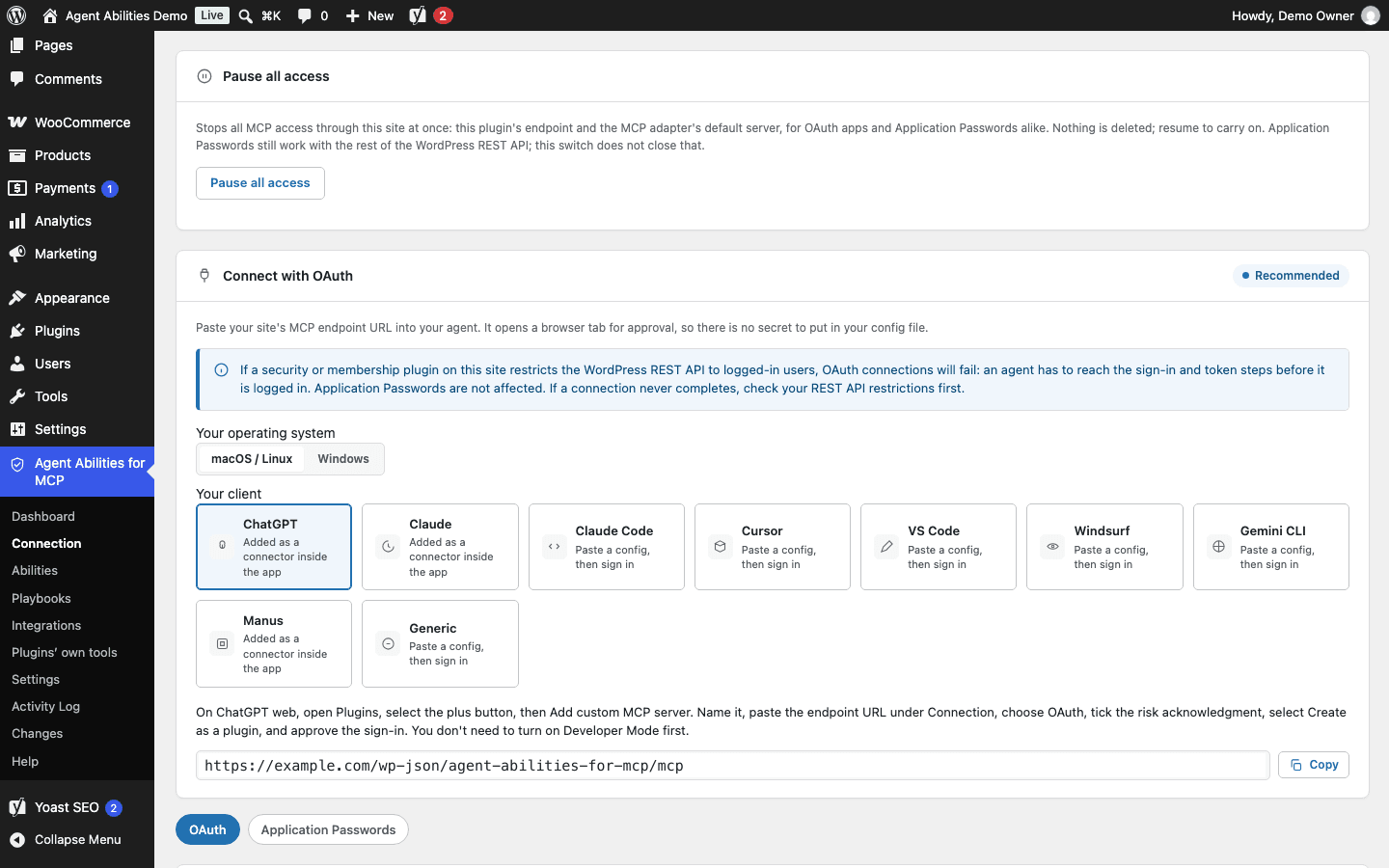
Update to 1.13.1 and try the client again. If the standalone MCP Adapter plugin is also active and loads first, its own copy serves the endpoint, so update it to 0.7.2 too; Check my connection on the Connection tab names the version that loaded, under MCP adapter active and compatible when you tick Show passing checks. If it still gets an HTTP 400, this troubleshooting entry covers a header that does not match the agreed version. Other causes are in the troubleshooting guide, and the full history is on the changelog.