WooCommerce52 abilities
Guarded writeproducts, orders, customers (touches real personal data, gated behind a clear notice)
Host-plugin integrations
WooCommerce, ACF, Rank Math, Yoast SEO, AIOSEO, Slim SEO, The Events Calendar, Event Tickets, Avada and GeoDirectory each add abilities to your WordPress MCP server while they are active. When a plugin is not active, its abilities simply are not there. Either way they are off until you enable them, checked against the permissions of the user you connect, and written to the same audit log as everything else.
The counts below sum to the 94 integration abilities. Each set is detected automatically and governed exactly like WordPress core.
products, orders, customers (touches real personal data, gated behind a clear notice)
read and write ACF field data
read and manage Rank Math data
read and manage Yoast data
read and manage AIOSEO data
read and write a post's Slim SEO fields
events, venues, and organizers, through the calendar's own ORM
read tickets and attendees for an event (read only, no purchase write)
read Fusion Builder markup, and replace text without touching the shortcode tree
read and write business and place listings
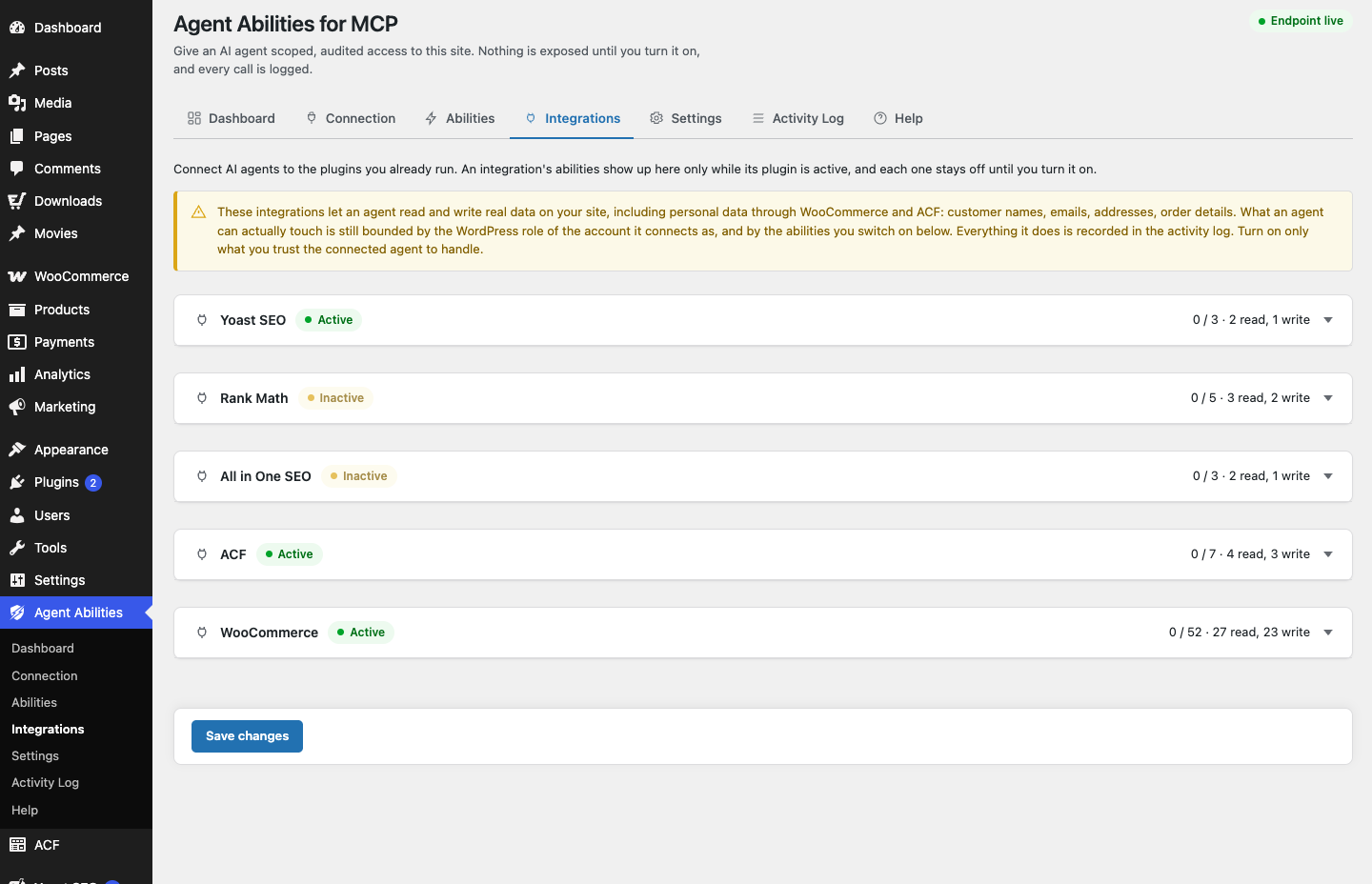
Activate a supported plugin and its abilities appear, governed the same way as core. Deactivate it and they are gone. Every set stays off until you switch it on. WooCommerce and Advanced Custom Fields can reach real customer records and field data, so they sit behind a clear admin notice before you enable them, and run only for the capabilities of the user you connected.
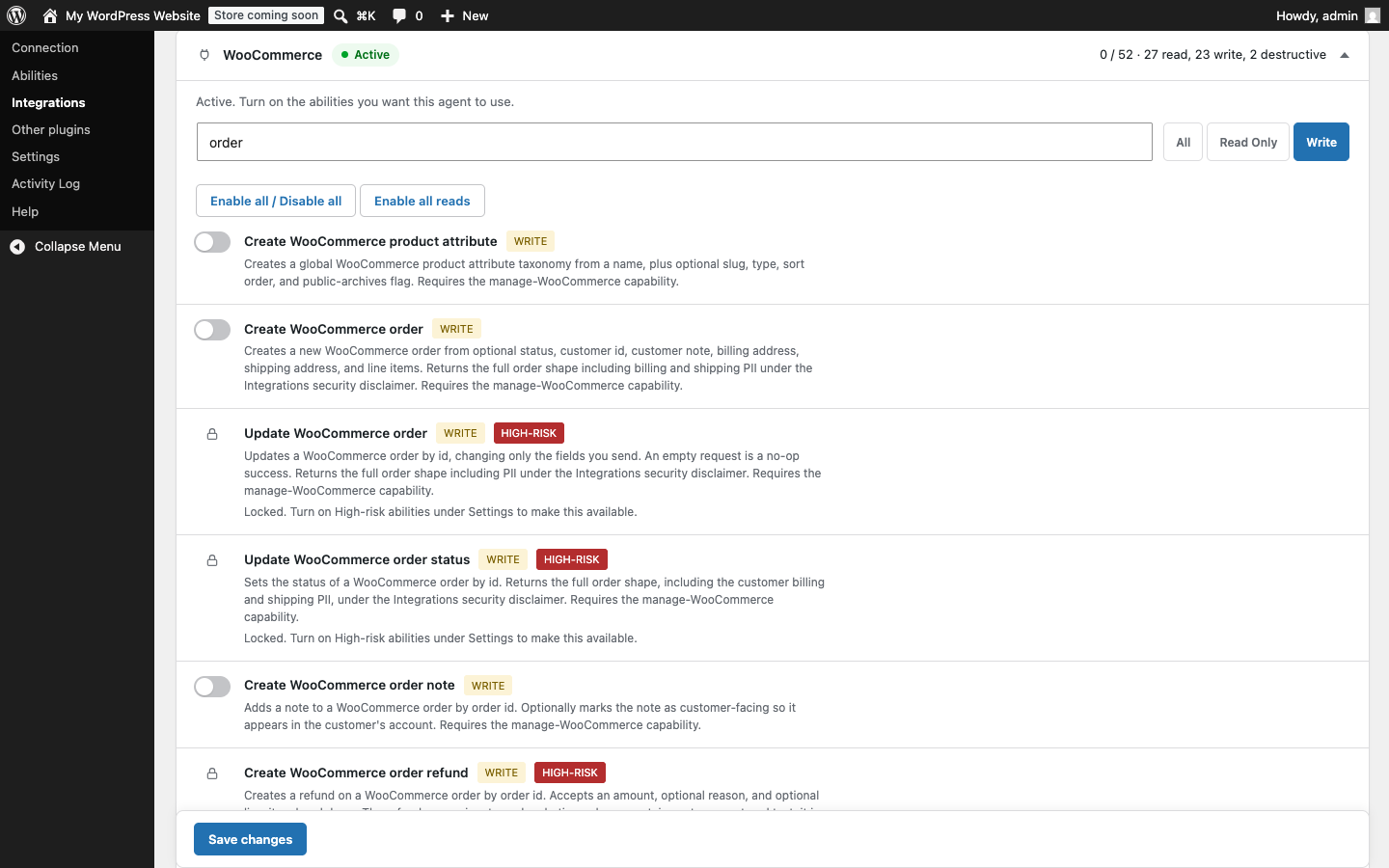
The 10 sets above (WooCommerce, Advanced Custom Fields, Rank Math SEO, Yoast SEO, All in One SEO, Slim SEO, The Events Calendar, Event Tickets, Avada, GeoDirectory) are integrations we build and maintain. Bridging is different: it exposes abilities that any other active plugin registers on its own, held to the same governance. That set is dynamic and site-specific, so it is not part of the 94 counted here.
See how bridging worksWPML is not a counted integration here, it adds no abilities of its own. What it changes is the existing content reads: on a WPML site, posts, pages, search, terms, media, products, and single-item reads take an optional language argument and report which language they returned, and a single read can fetch a specific translation. The plugin never translates anything, it only reads what WPML already holds, and sites without WPML are unaffected.
Read how language-aware reads workActivate a supported plugin and its abilities show up, governed the same way. Deactivate it and they are gone. You stay in charge of every switch.
Activate a plugin, the rules do not change. Off by default, gated, logged.