If you run an AI agent for membership WooCommerce store work, you have probably hit a strange blind spot: your best customers were invisible to it. On a membership site, a subscription store, or an LMS, the people who buy from you rarely sit on the plain “customer” role. They are subscribers, members, or students, because the plugin that sells them access assigns a custom role. Until 1.3.1, the agent’s customer list only saw the “customer” role, so those accounts simply did not appear. That is now fixed, and it changes what these stores can hand off to an agent.
When your customers are not on the “customer” role
WooCommerce assigns the “customer” role to a standard shopper, but membership and LMS plugins layer their own roles on top. A learner who enrolls in a course might be a “student”. A member on a paid tier might be a “subscriber” or a role the membership plugin invents. To WordPress these are real users with real orders, but if a tool only queries the “customer” role, it reads right past them. On these stores that is not an edge case, it is most of your customer base, which made the agent close to useless for the exact accounts you most wanted help with.
The fix that makes them visible: filtering the customer list by role
The wc-list-customers tool can now filter by role. Instead of assuming everyone worth listing is a “customer”, you can ask for the role your store actually uses, and the members, subscribers, or students come back like any other account. This is the lead change for these stores. It does not add a new kind of access, it just stops the tool from silently excluding people who were customers all along. Once they are visible, the rest of the WooCommerce workflow works on them the same way it works on a plain shopper.
A safe workflow for managing customers and orders with an agent
A good pattern is to let the agent do the reading and the routine work while you keep the judgment calls. You can ask it to find members on a given role, pull up a specific person’s orders, summarize who renewed and who lapsed, or draft a note on an account. This is the membership and LMS version of running WooCommerce with an agent, which is the general starting point if you are new to it. The difference here is the role filter, which is what makes the pattern actually reach your student and member accounts instead of a fraction of them. Start read-only, confirm the agent is seeing the right people, then enable the write tools you need.
Reading order history the right way (person-written vs WooCommerce’s own notes)
Order notes are a mix. Some are written by a person on your team, and some are written by WooCommerce itself when a gateway responds or a status changes. If an agent treats those as the same thing, it will summarize an automated status line as if a human said it. The wc-list-order-notes tool now distinguishes notes written by a person from notes WooCommerce generated on its own. When the agent recaps an account for you, it can separate the human context from the system trail, which matters when you are deciding whether to extend a membership or investigate a failed renewal.
Refunds that do not crash on a gateway with no tax method
Refunds are the part of a subscription or membership store where you least want a surprise. Some payment gateways have no tax method attached, and the refund executor used to crash on exactly that case. In 1.3.1 it handles a gateway with no tax method cleanly, so a refund the agent runs on your behalf completes or fails on its own merits, not on an unrelated gap in the gateway setup. That is one less reason to keep refunds entirely out of the agent’s reach.
This touches real personal data, so it stays governed
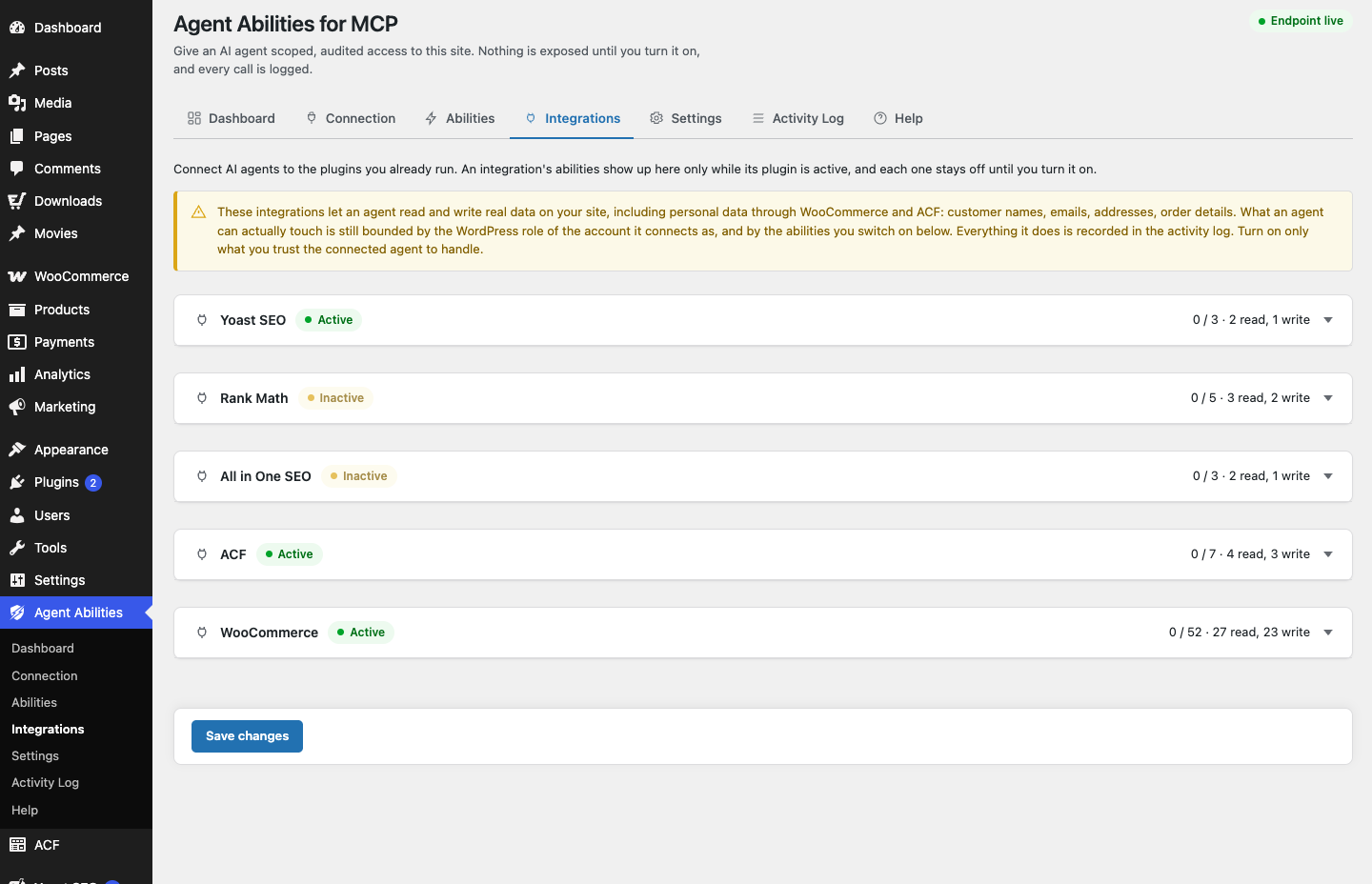
Everything above reads and writes real customer and order data, which means names, emails, and addresses. That is personal data, and the plugin treats it accordingly. The WooCommerce abilities sit behind a clear admin notice, stay off until you enable them, are capability-gated, and log every call, so you can see afterward exactly what the agent looked at and changed. If you want tighter limits you have capability gating and audit controls, plus optional force-to-draft, a rate limit, and an IP allowlist. It is worth remembering the direction of the connection: the plugin makes no outbound requests and calls no AI provider, the AI clients that connect reach in to your site, and you decide what they can touch. You can read how personal data is protected for the full picture.
Requirements: WooCommerce 9.1 or newer
The WooCommerce abilities now require WooCommerce 9.1 or newer to register, since that is the version they are built and tested against. On an older store the tools stay unregistered and tell you why on the Integrations screen, rather than half-working. If your membership, subscription, or LMS store is on 9.1 or later, the WooCommerce integration will now show your custom-role customers to the agent. Update to 1.3.1, turn on only the tools you want, and try handing the agent a small, read-only task first to see your real member list come back.