WordPress has one capability for running a store and a different one for editing user accounts, and for a while the plugin let the first stand in for the second. Version 1.6.2 corrects that: editing a WooCommerce customer now checks the capability that actually guards editing that person’s account, not the broad one that guards managing the shop.
Two capabilities that were quietly treated as one
WooCommerce installs a role called Shop Manager, and the capability at the center of it is manage_woocommerce. It is the right key for a lot of work. It lets someone edit products, process orders, adjust settings, and generally run the commercial side of a site without being a full administrator. That is exactly what it is for.
What it is not is permission to edit arbitrary user accounts. WordPress governs that with a separate set of capabilities: edit_users to change accounts, list_users to enumerate and read them, and create_users to make new ones. These exist because editing a user record is a different kind of act from editing a product. A user record holds a real person’s name, email, and addresses, and an account carries a role, which is to say a set of powers on your site. Handing those over to whoever can manage the catalog collapses a boundary WordPress drew on purpose.
Before 1.6.2, the ability that edits a WooCommerce customer checked only manage_woocommerce. In practice that meant a caller holding that single capability could read and overwrite any user’s billing details, their names, their emails, their addresses, without ever holding the capability WordPress uses to guard editing a user. The store key opened the user drawer.
What 1.6.2 actually changed
Editing a customer now requires a real user-editing capability, checked against the specific account being touched, the same edit_user check WordPress applies when you edit that person in the admin. Holding manage_woocommerce is no longer enough on its own. If the connected user cannot edit that account through WordPress, the ability will not edit it over MCP either. Enabling the ability was never the whole story: the connected user’s capabilities are the ceiling, and that ceiling now reflects the difference between running a store and editing the people in it.
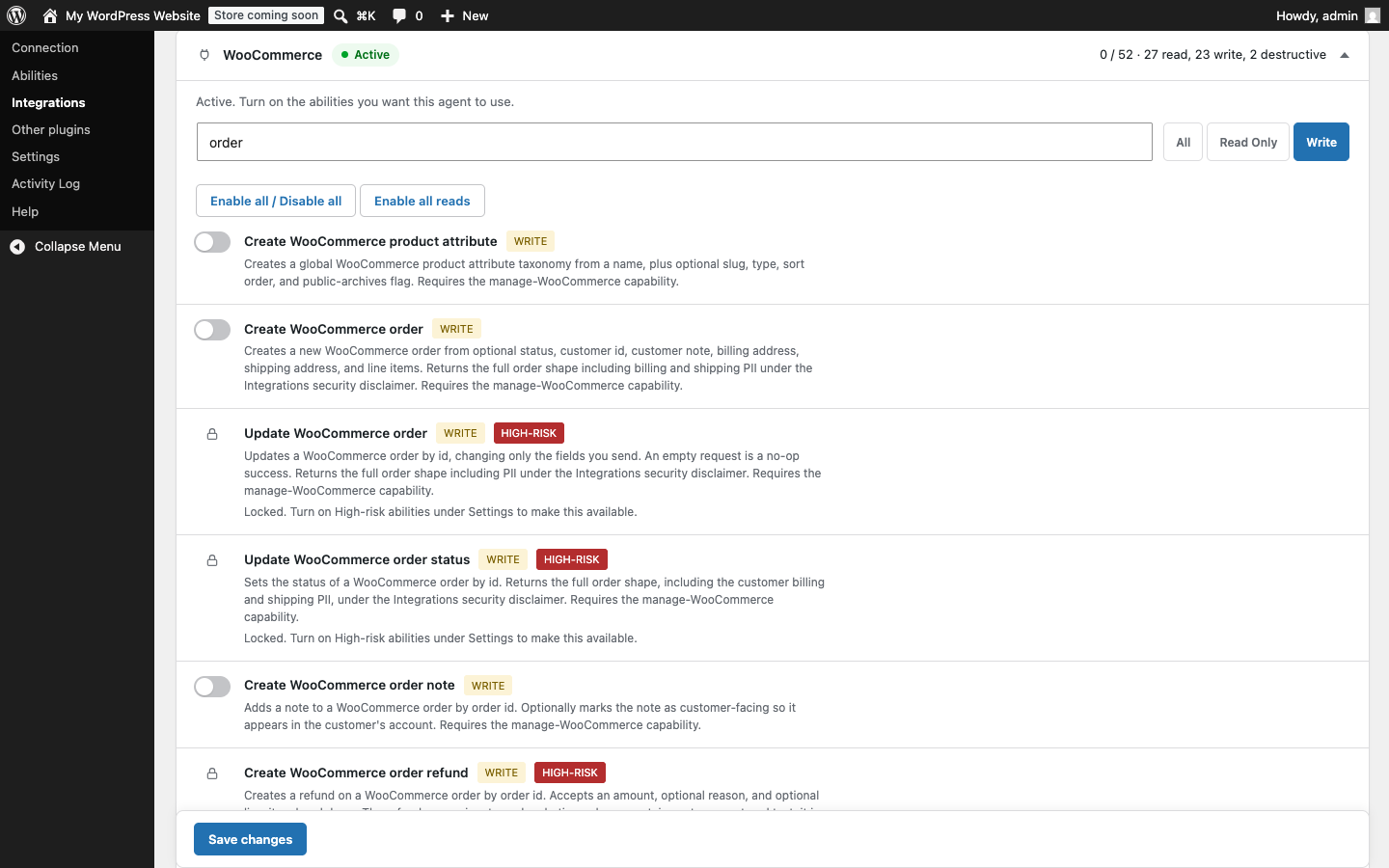
Editing a customer is also treated as a high-risk write now, so it joins the WooCommerce abilities that stay locked behind a separate high-risk control in Settings even after you enable them. Overwriting a customer’s personal data is gated twice: once by whether the connected user can edit that account at all, and again by whether you have deliberately turned high-risk writes on.
The same gap existed in two neighboring places, and both were closed in the same release. Writing arbitrary user meta and writing ACF user fields could previously ride in without the user-editing capability that should govern them. They now sit behind the same user-editing capability check, though unlike the customer edit they are not placed behind the high-risk lock. Personal data written through a side door is still personal data, and it now goes through the same gate as the front one.
This continues an arc that started in 1.5.0
None of this is a one-off patch. It is the next step in tightening a boundary the plugin has been drawing since 1.5.0.
In 1.5.0, creating a customer started requiring create_users, and listing or reading a customer started requiring list_users, on top of the WooCommerce capability. That change had a visible consequence worth understanding, because it is the whole point in miniature. A stock Shop Manager role does not hold list_users. So after 1.5.0, an agent connected as a plain Shop Manager lost the ability to list and read customers. That was not a regression. That was the boundary finally being enforced. A role built to manage a shop had been reading user records it was never granted the capability to read, and once the correct capability was required, the mismatch surfaced.
1.6.2 applies the same reasoning to the write side. If reading a customer needs the list-users capability, editing one needs the edit-users capability. Managing a store and editing a user are not the same permission, and the plugin now insists on the distinction in both directions.
Why the store key should not open the user drawer
The general principle underneath all of this is least privilege: a capability should grant exactly the power it names and no more. manage_woocommerce names the power to manage commerce. When it also silently confers the power to rewrite any user’s personal details, it is granting something it never claimed to, and every account holding it inherits that reach without anyone deciding to give it.
For an operator wiring an agent into a store, the payoff is that the account you connect behaves the way WordPress already promised it would. A Shop Manager scoped user can help with the store and cannot quietly become a user editor because it happened to hold the commerce key. If you do want an agent that maintains customer records, you grant the account the user-editing capability on purpose, and you turn on high-risk writes on purpose, and both of those decisions are now yours to make rather than defaults you inherit. Every call is still recorded in your own audit log, refused attempts included, so a request that hits the new capability check and bounces leaves a trail you can read.
What to take from this
If you run WooCommerce with an agent, look at the capabilities of the account you connect, not just the WooCommerce abilities you enabled. A Shop Manager scoped user can help run the store without being able to rewrite the people in it, and if you do want an agent that maintains customer records, you grant that account the user-editing capability on purpose. That is a decision you make, not a default you inherit.
For the full context on scoping a store agent, see run WooCommerce with an agent and the plugin’s approach to guarded writes on the security page. This post is one of several on the current release; the rest are collected in What we fixed in the 1.6.2 hardening release.